← Learning Guides
A Clearer Start

How To Analyze Your First Rental Property

A listing price is only the beginning. A useful rental analysis connects the property's income, ownership costs, and financing so you can decide what deserves a closer look.

4K Available · Captions Optional

Short Guided Video · Optional English Captions · Illustrative Examples

Read The Video Transcript

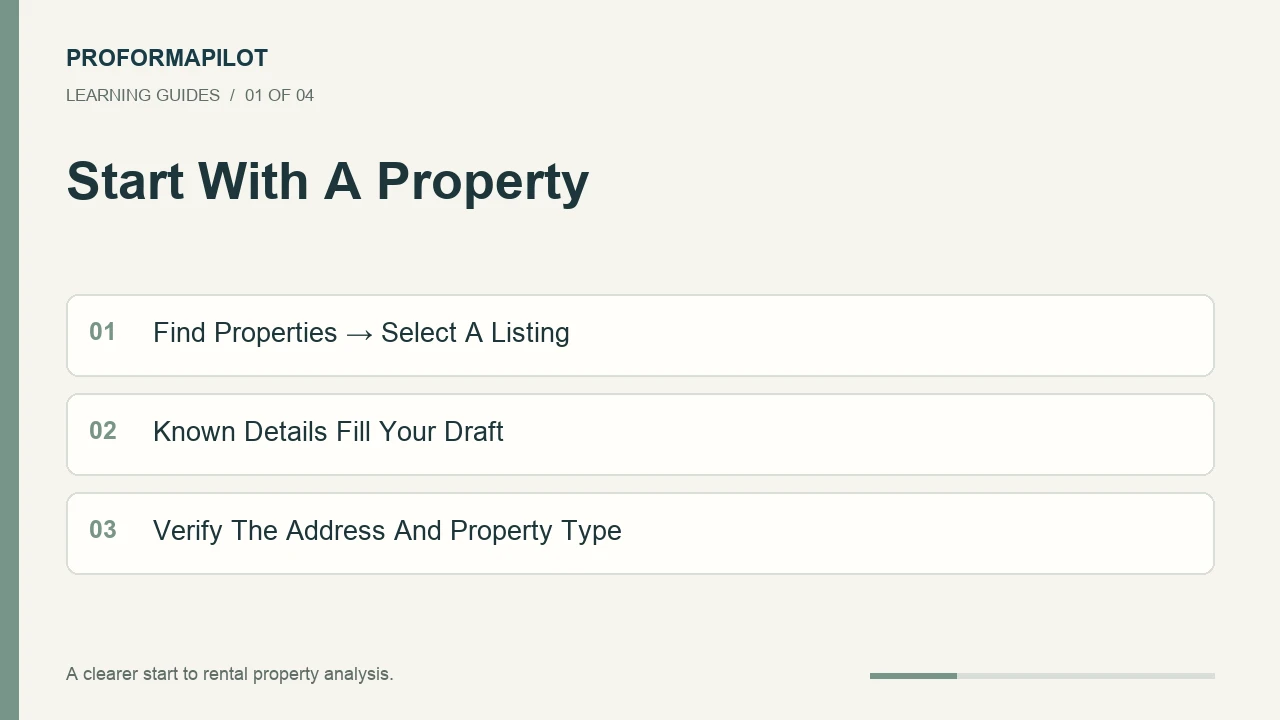
Start With A Property

Start With A Property: Find Properties → Select A Listing; Known Details Fill Your Draft; Verify The Address And Property Type
Step 1 · Illustrated Overview
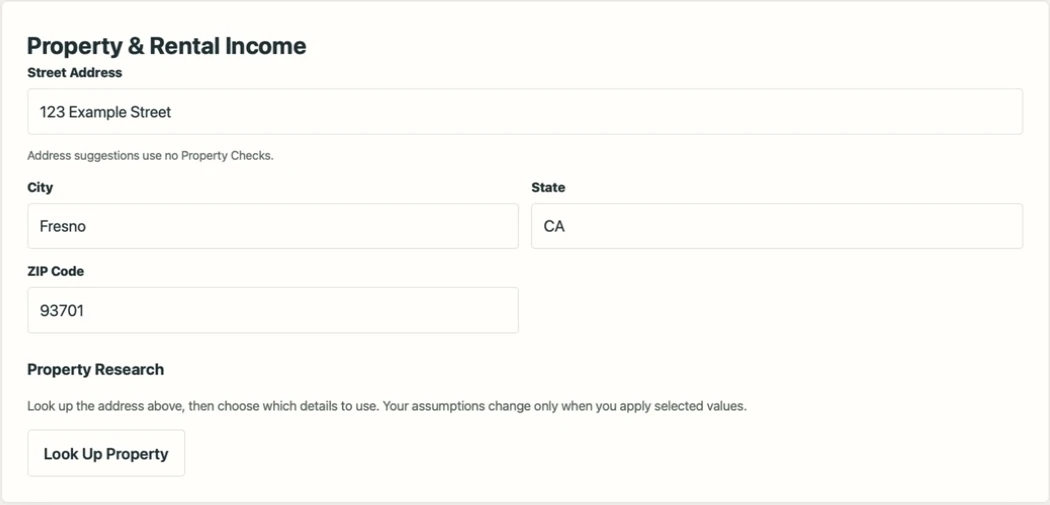
Enter and verify property address details
Interface Walkthrough · Fictional Example

Welcome to ProformaPilot. Start in Find Properties and select a residential listing. When the property type is recognized, you go directly to Property and Income, with available listing details filled in. If you already know the address, start a new Rental Analysis instead.

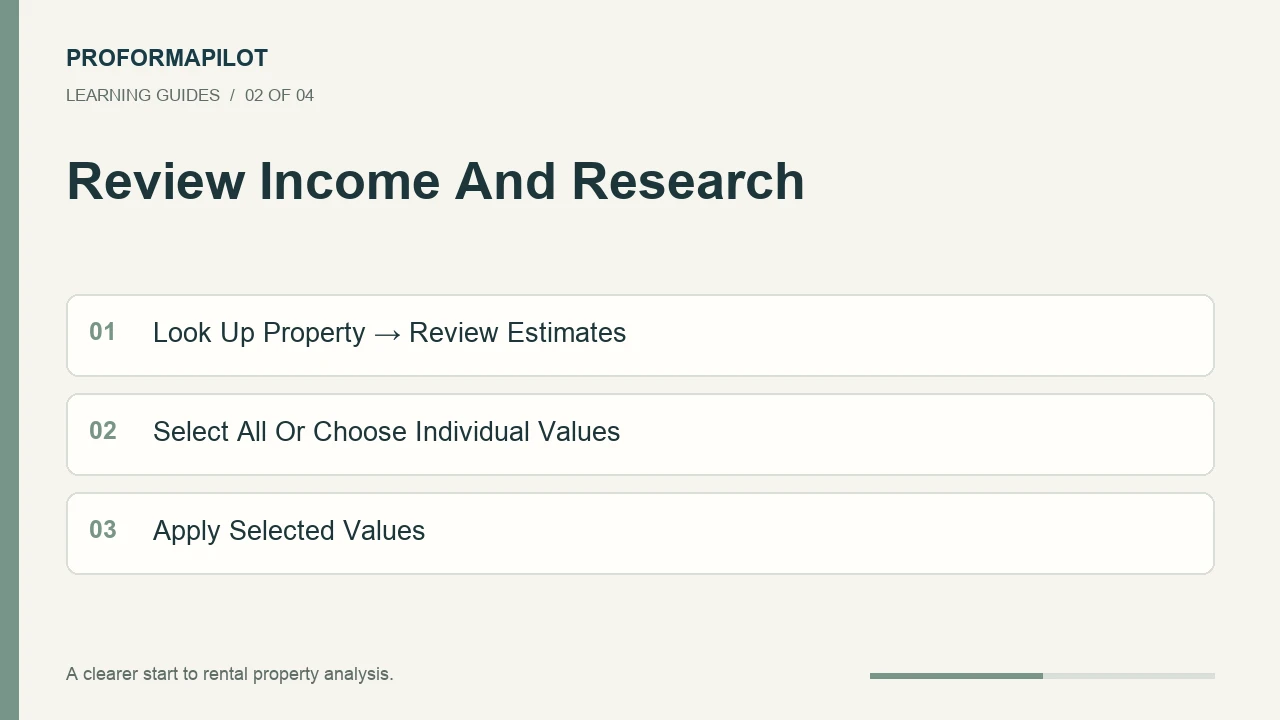
Review Income And Research

Review Income And Research: Look Up Property → Review Estimates; Select All Or Choose Individual Values; Apply Selected Values
Step 2 · Illustrated Overview
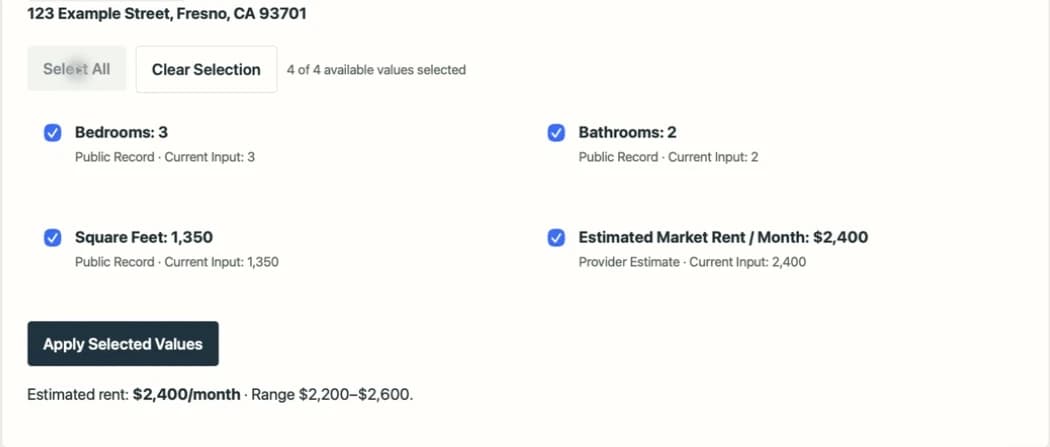
Select researched values and choose Apply Selected Values
Interface Walkthrough · Fictional Example

Use Look Up Property to review available records, rent estimates, and comparable properties. Select the values you trust, or use Select All, then Apply Selected Values. Check rent against similar homes. Missing information is a question to investigate, not proof that the cost is zero. A fresh lookup uses one Property Check unless that research is cached.

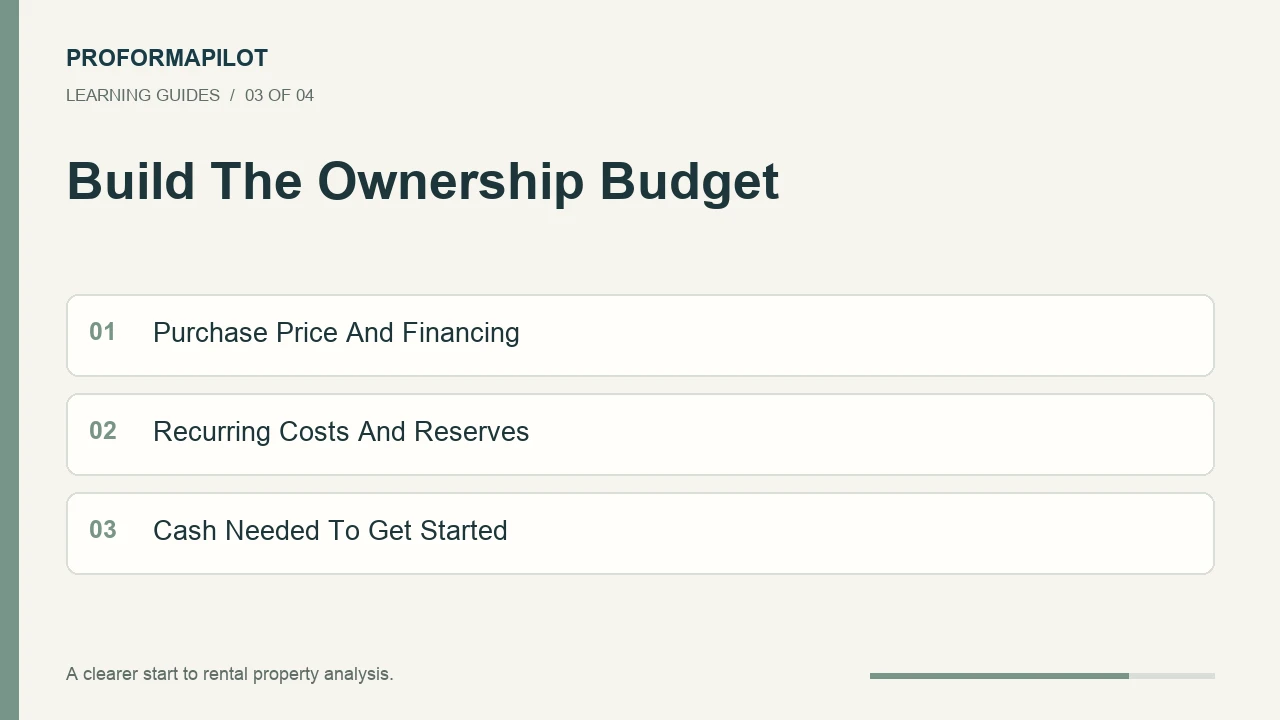
Build The Ownership Budget

Build The Ownership Budget: Purchase Price And Financing; Recurring Costs And Reserves; Cash Needed To Get Started
Step 3 · Illustrated Overview
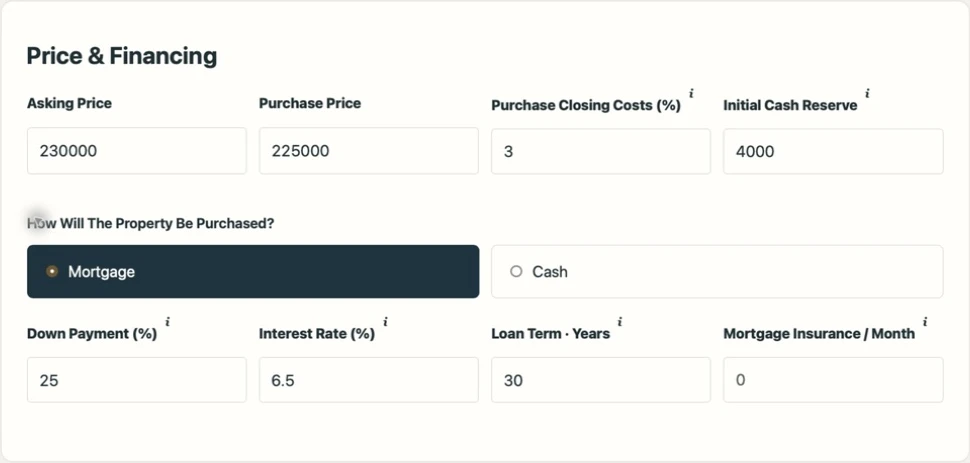
Enter purchase and financing assumptions
Interface Walkthrough · Fictional Example

Continue through purchase, financing, and expenses. Enter your lender's expected terms, taxes, insurance, and ownership costs. Include vacancy, maintenance, and capital reserves. Review closing costs and any repairs separately. If your loan payment includes taxes and insurance, do not count those costs twice.

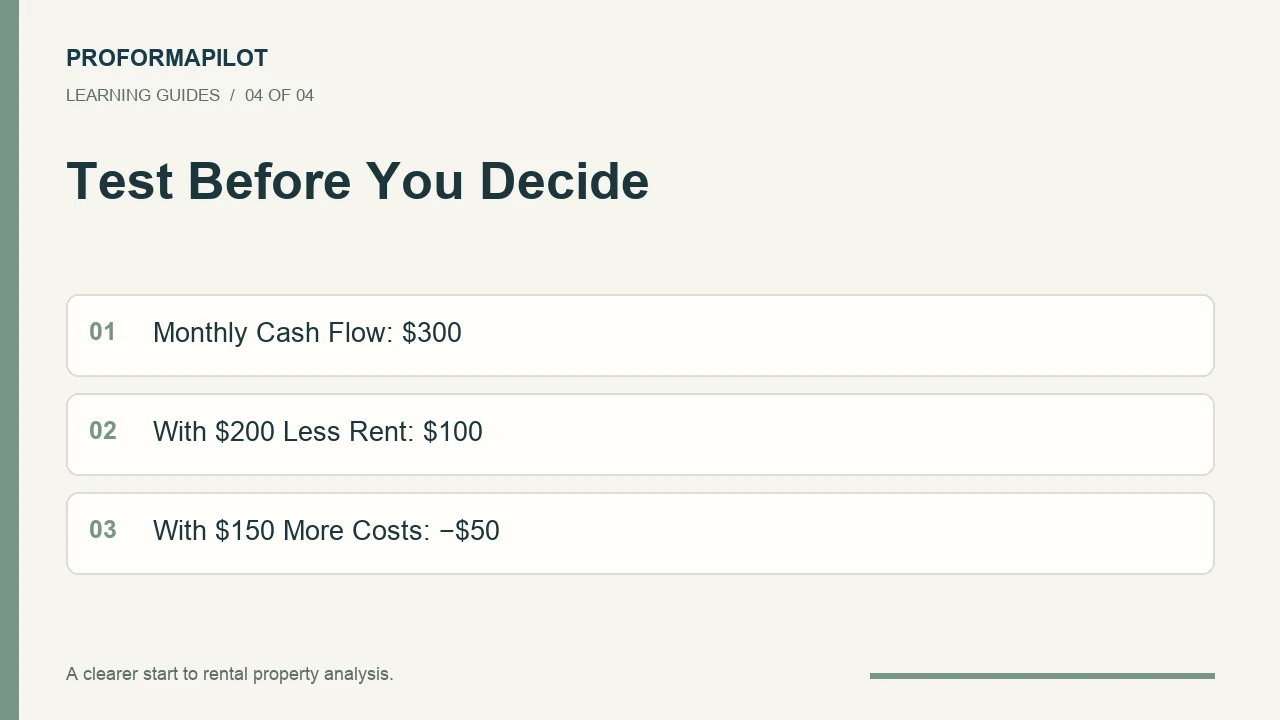
Test Before You Decide

Test Before You Decide: Monthly Cash Flow: $300; With $200 Less Rent: $100; With $150 More Costs: −$50
Step 4 · Illustrated Overview
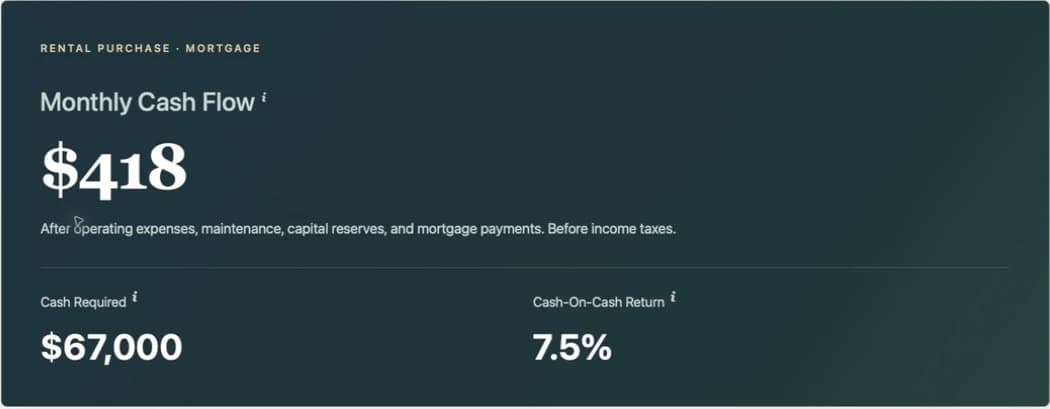
Review the projected rental analysis results
Interface Walkthrough · Fictional Example

Consider an illustrative property with three hundred dollars in monthly cash flow. Two hundred dollars less rent leaves one hundred dollars. Another one hundred fifty dollars in costs turns that into a fifty dollar shortfall. Test less favorable assumptions, review your results, and save when ready. Each saved version uses one Analysis Save. Start with Try An Example to practice without an account.

Download Transcript

1. Confirm What You Are Buying

Choose a residential listing in Find Properties, or enter a known address in Rental Analysis. Recognized listing types open directly at Property & Income. Review the address, beds, baths, size, and advertised price; provider records and listings can be incomplete or outdated.

For a duplex or a home with an accessory dwelling unit (ADU), confirm which dwelling each figure describes. Use the dwelling schedule to record each rent once. A provider's unit count does not establish permit status or rental approval.

2. Research A Realistic Rent

Use Look Up Property, review the available estimates and comparable rentals, and choose which values to apply. Select All is a convenience, not a substitute for checking each field. Comparable advertised rents may differ from signed leases.

Compare location, condition, size, amenities, and the dwelling being rented. Keep a known verified figure when it is more appropriate than the provider estimate. A fresh lookup uses one Property Check unless the exact research is cached; changing calculations uses no Property Checks.

3. Add Financing And The Full Budget

Enter the purchase price, down payment, interest rate, and loan term you expect to obtain. Include closing costs, initial repairs, and cash reserves. A refinance is optional; use it only if it is part of your scenario.

Allow for property taxes, rental-property insurance, vacancy, management, maintenance, capital reserves, HOA dues, and owner-paid costs. Confirm who pays utilities. If your lender's payment includes escrow for taxes and insurance, separate principal and interest before entering costs to avoid double counting.

4. Test A Less Favorable Outcome

Lower the rent, allow for a longer vacancy, or raise an expense and watch how the result changes. Positive projected cash flow does not guarantee a profitable investment. Inspection findings, financing, local rules, and actual operating costs still need verification.

Save a version once you have reviewed the inputs. Each saved analysis uses one Analysis Save, and the report helps you keep a record of the assumptions you used.

Worked Example

A Small Change Can Matter

Illustrative monthly figures, holding all other assumptions constant. This is a sensitivity example, not a provider estimate or a property recommendation.

Starting Cash Flow
$300
Rent Decreases By $200
$100 Remaining
Costs Also Increase By $150
−$50 Remaining

Keep These In Mind

  • Verify the listing and the dwelling being analyzed.
  • Review research before applying it.
  • Test income, expenses, and financing together.

Further Reading: CFPB: Understanding Your Loan Estimate. The CFPB explains mortgage payment components and closing costs. Rental and investor loan products may have different requirements; confirm your actual loan terms with your lender.
Your Next Chapter

Continue Learning

A few useful lessons to explore next.

Explore All Learning Guides

Privacy Choices

Essential sign-in, payments, security, and usage limits stay on. Your choices apply to this browser for six months. Read Our Privacy Policy

Maps, suggestions, and drafts can also be enabled where you use them. Turning off drafts removes this browser’s recovery copies. Withdrawing maps or tracking reloads the page to stop the service; save any work first.